Enterprise-grade CCTV on a Consumer-grade Hardware

December 3, 2023/CCTV/#cctv
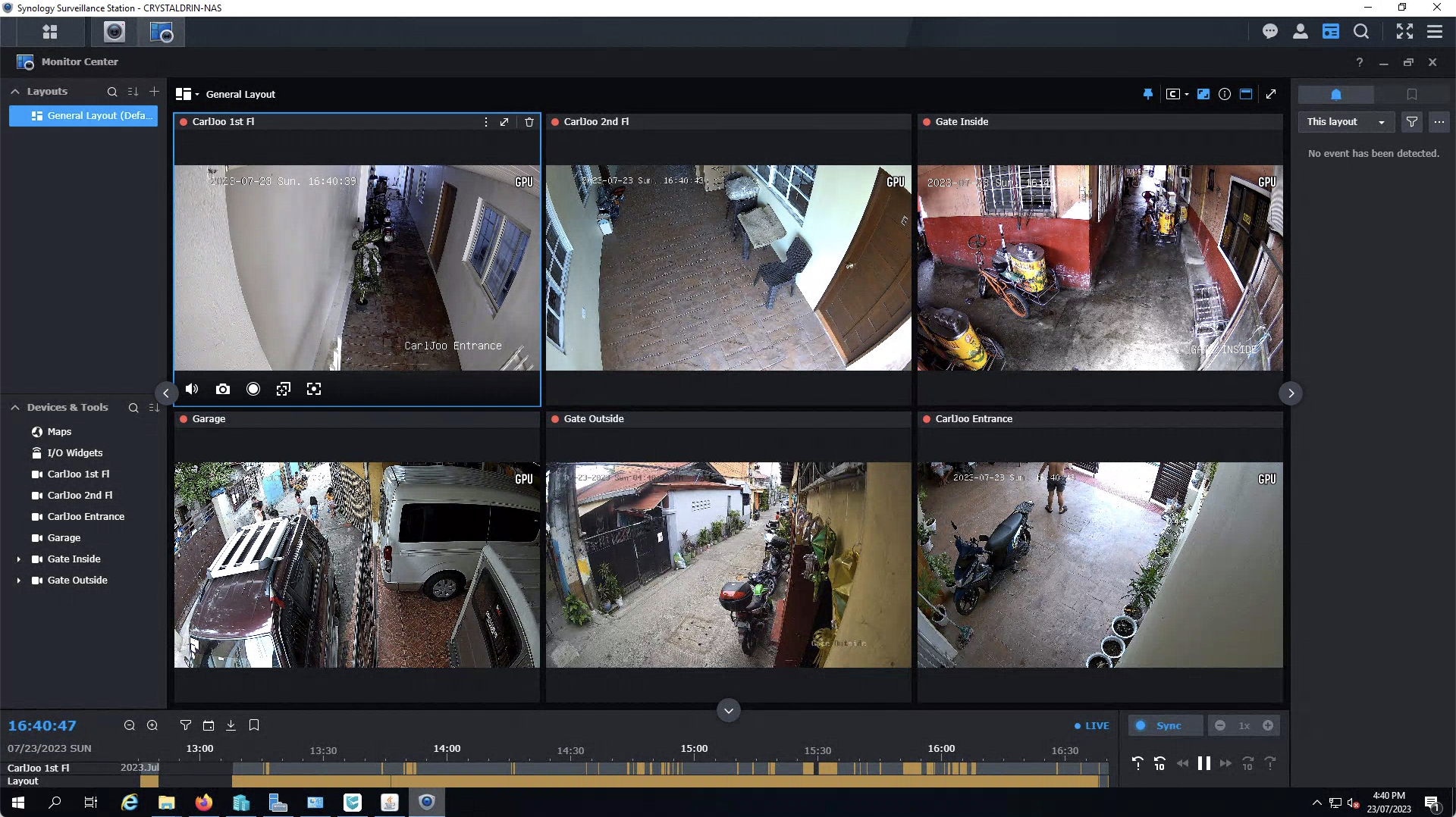
Surveillance Station Dashboard

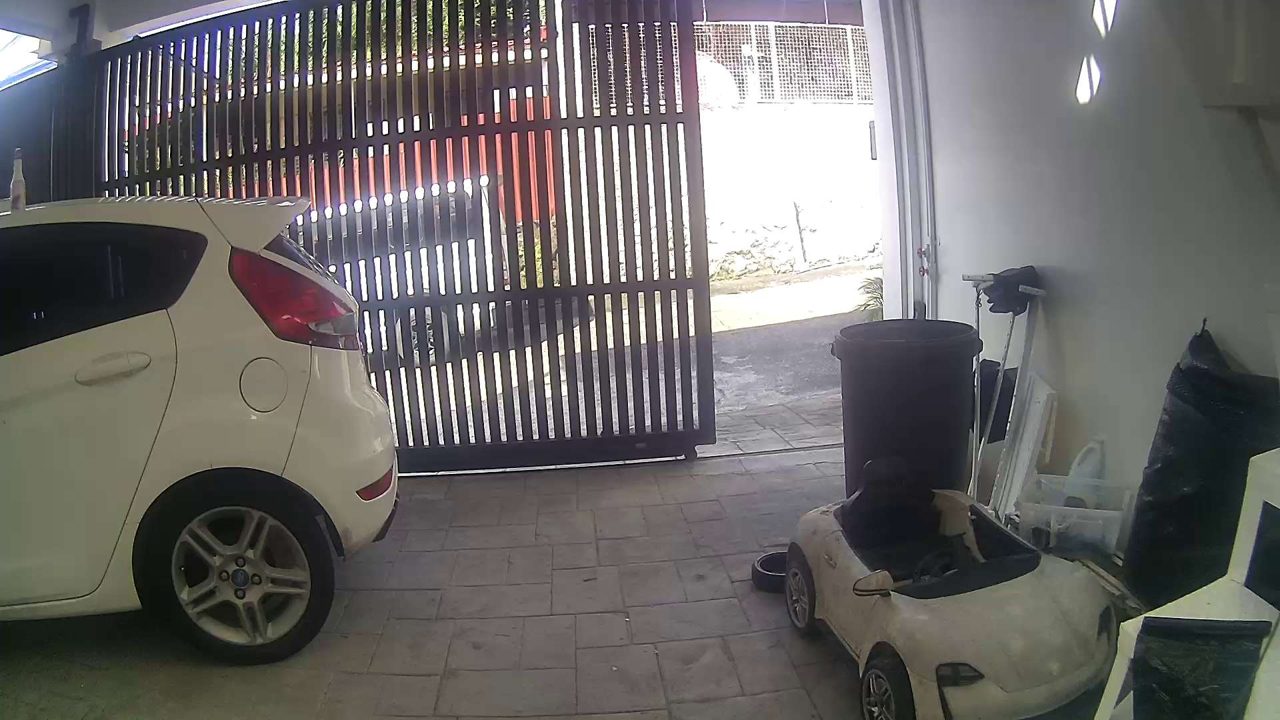
My Mom asked for a CCTV at their place. There were disputes were a CCTV would have been beneficial to quickly sort out the issue.

I initially setup the “easy” kind of CCTV. An IoT WiFi-based camera, but it turned out not to be reliable. It saves its data on a MicroSD, and it easily burn out after a couple of months, wireless connection gets disconnected intermittently, and the camera itself is unpredictable and hangs from time to time.

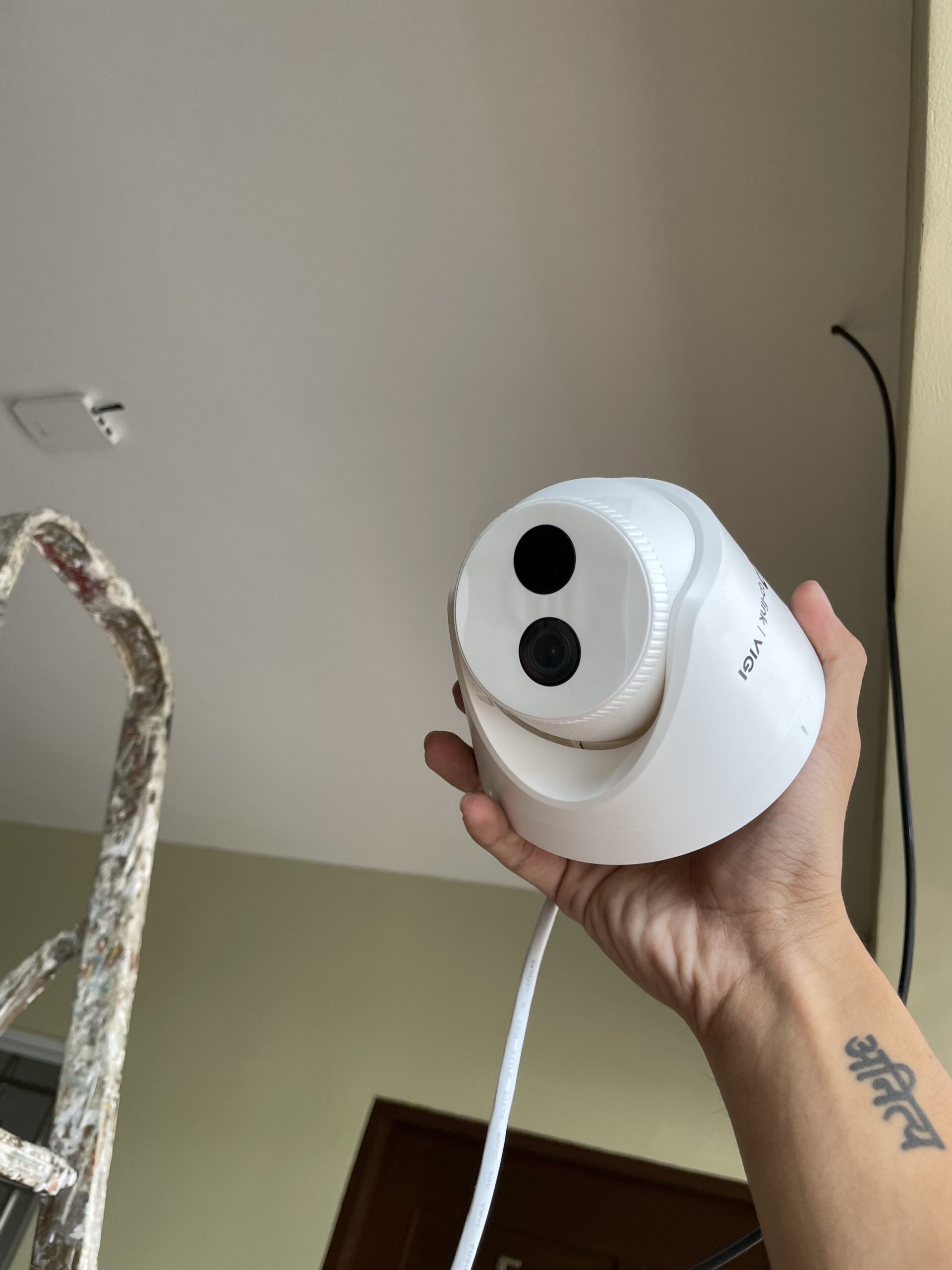
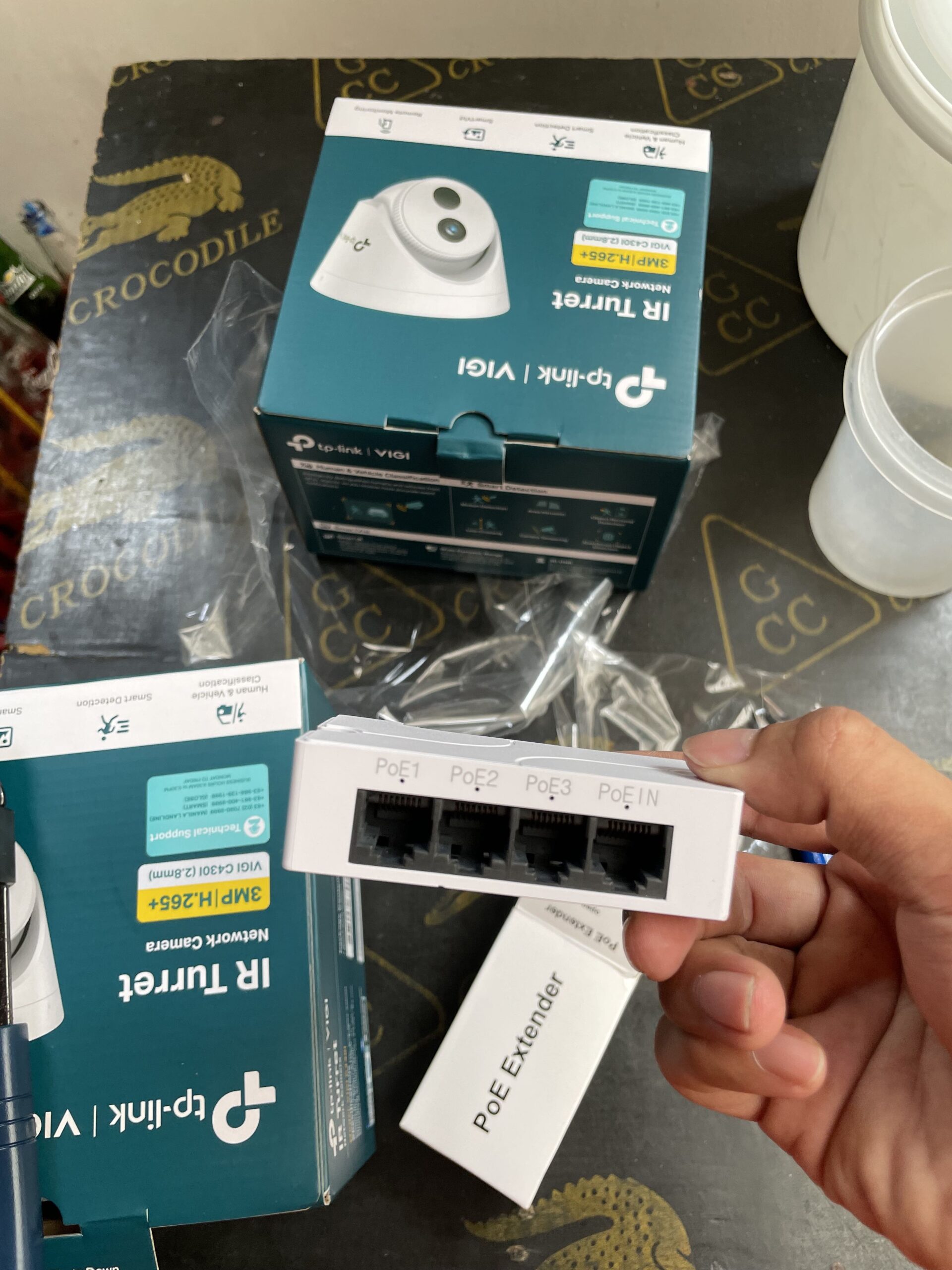
I switched to PoE-based solution which is far better that what I initially installed.

Network Video Recorder

With PoE Camera, it does not have it’s own storage. The data has to be stored somewhere, which is the NVR (Network Video Recorder)

I have an existing server for Crystaldrin Network which serves various purposes including a NAS (Network Attached Storage). I was looking for something I could virtualize and use the same storage already available.

I explored a couple of software solutions and I decided on Synology’s Surveillance Station. The good things is, it’s Linux-based, and there’s a community that allows it to run in a virtualized environment: https://xpenology.com/forum/

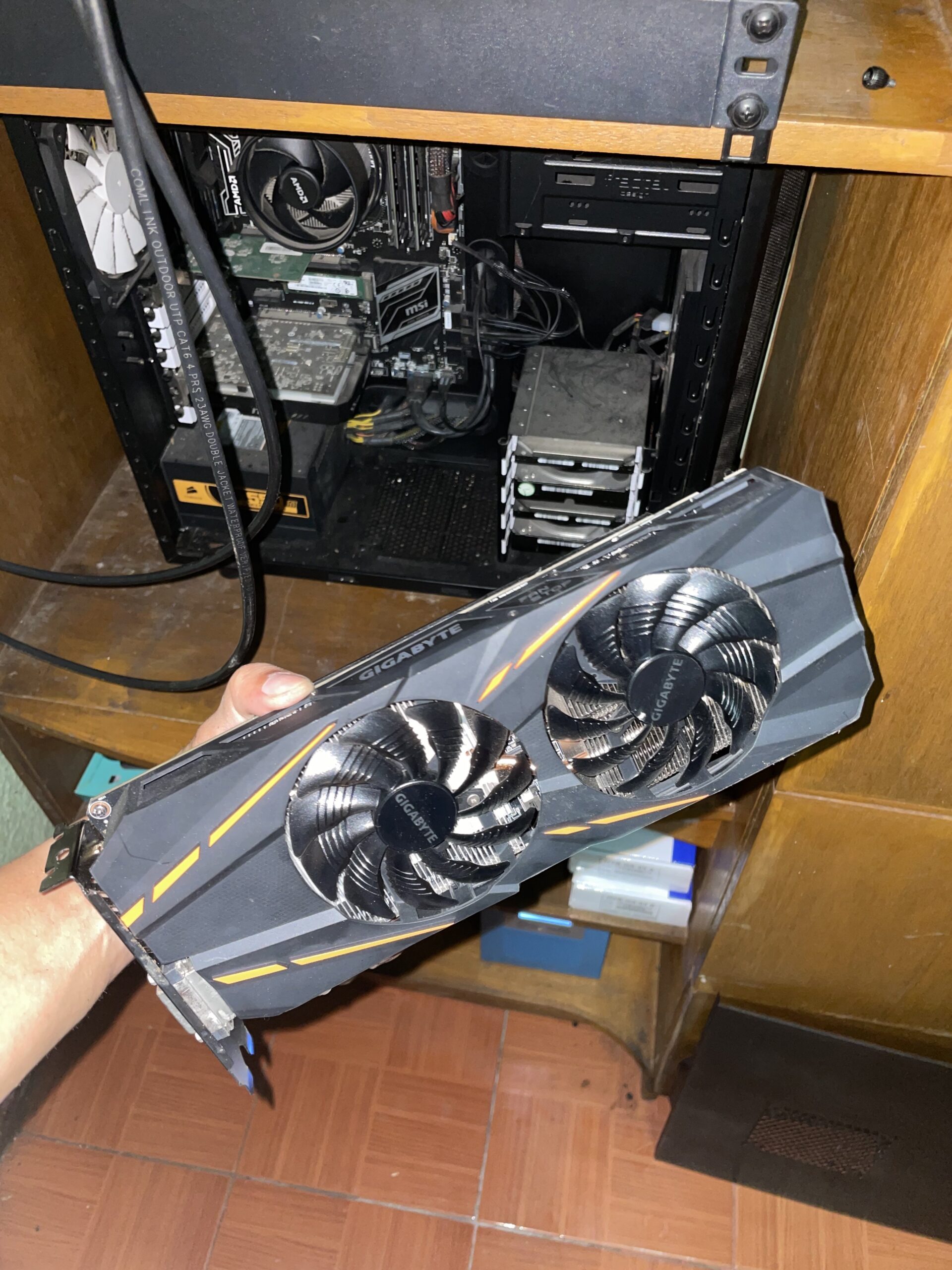
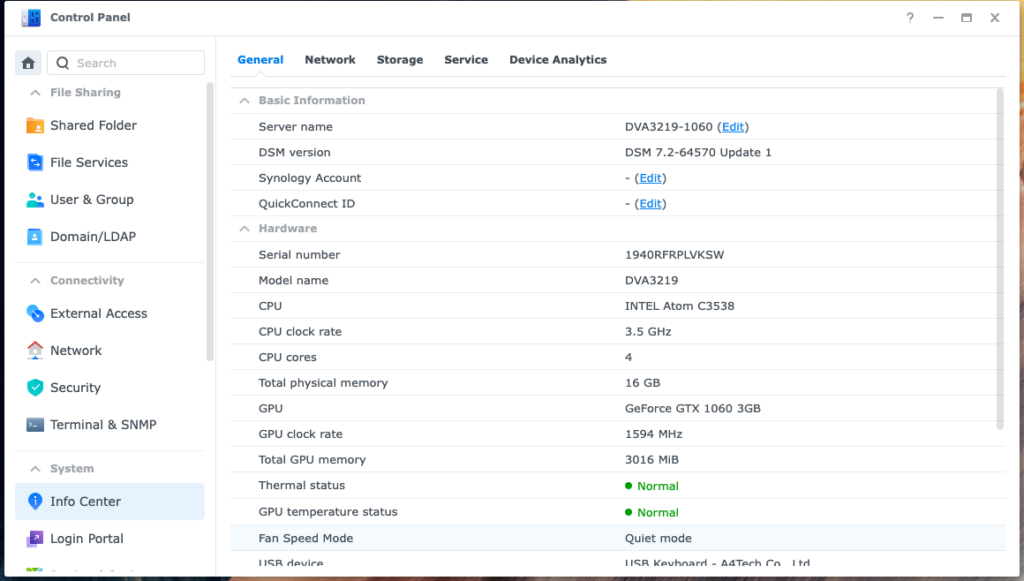
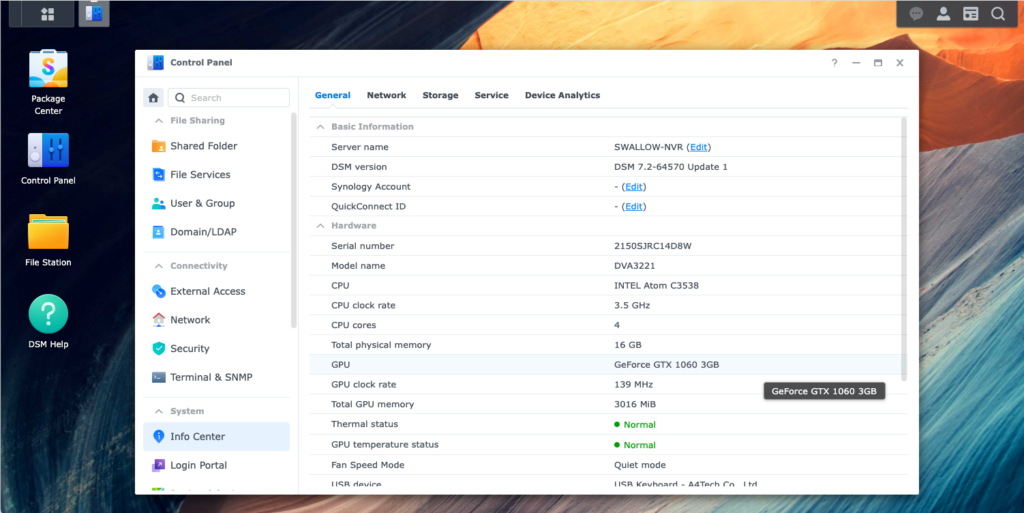
I chose to emulate DVA3119 since I had a unused Nvidia GTX 1060 3gb lying around which would allow me to use deep learning features such as facial recognition and object detection.

GTX 1060 3gb
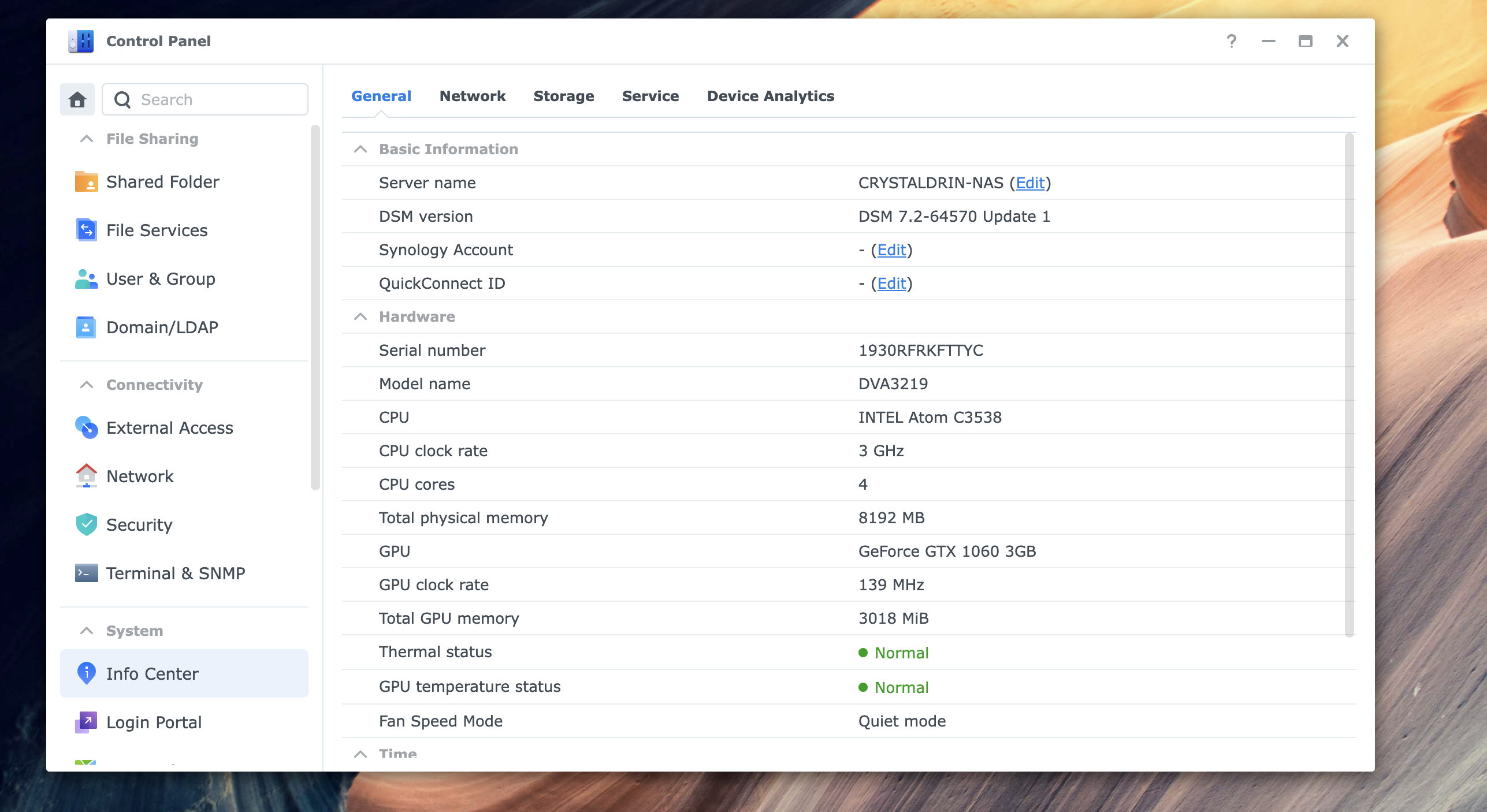
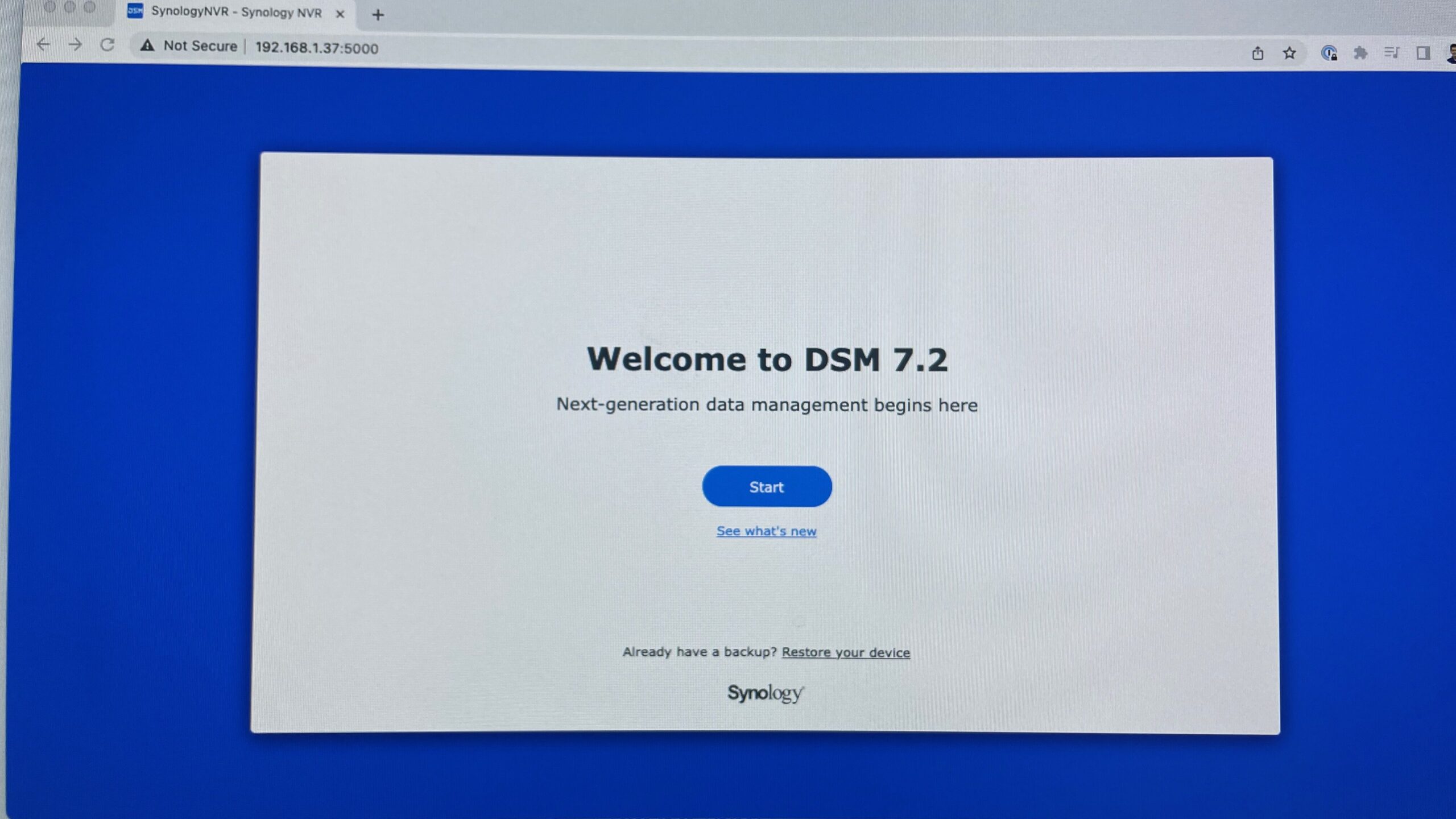
After installation to the server

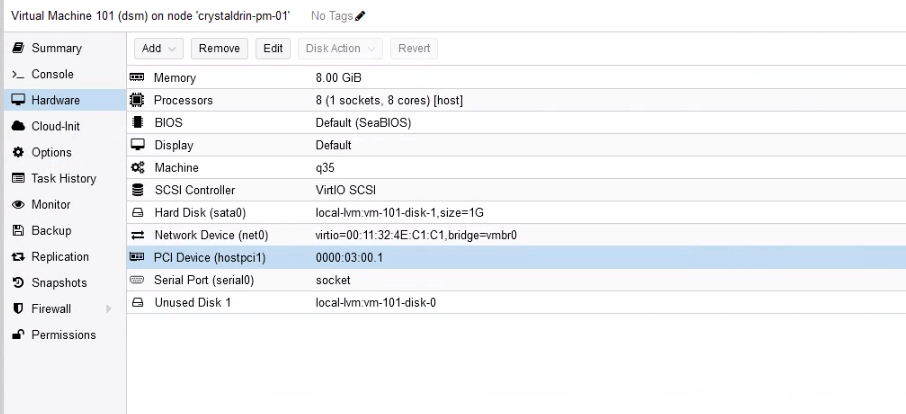
I have it running on my Proxmox server with the GPU passed-through to guest virtual machine.

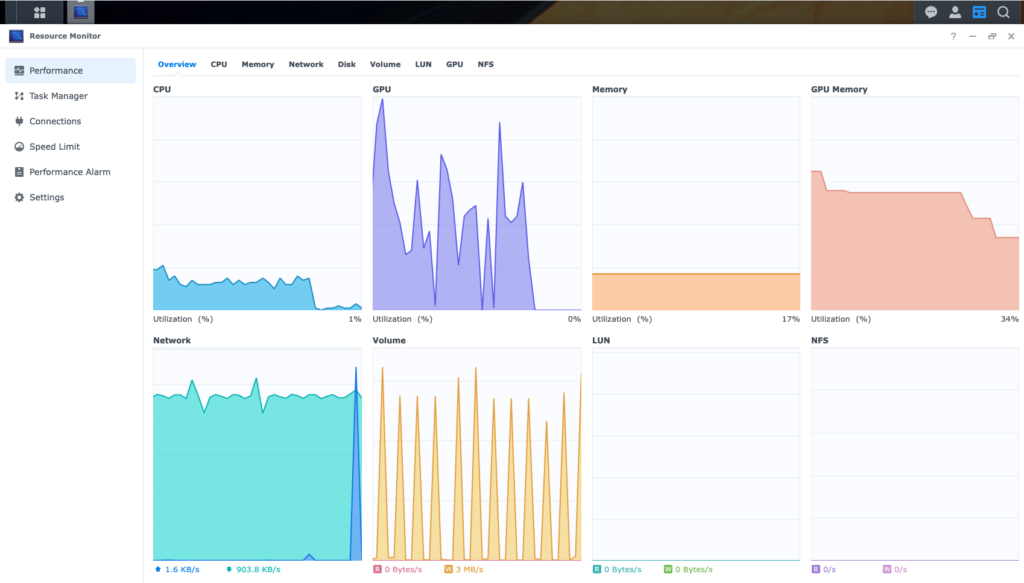
The GPU gets successfully detected by the virtual machine after booting it up.

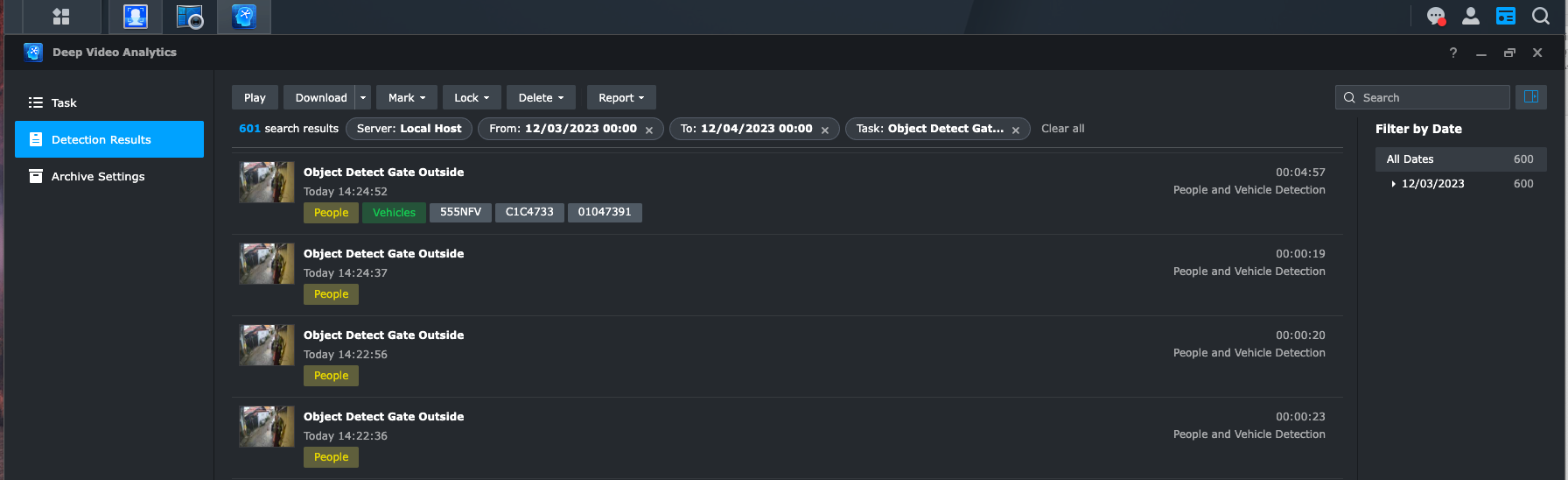
Object Detection

This is where things got exciting for me. I think the usefulness of a CCTV comes with the ease on how easy it is to find what you’re looking for.

Surveillance Station’s interface itself is very intuitive. It also have a mobile app so it can be accessed remotely.

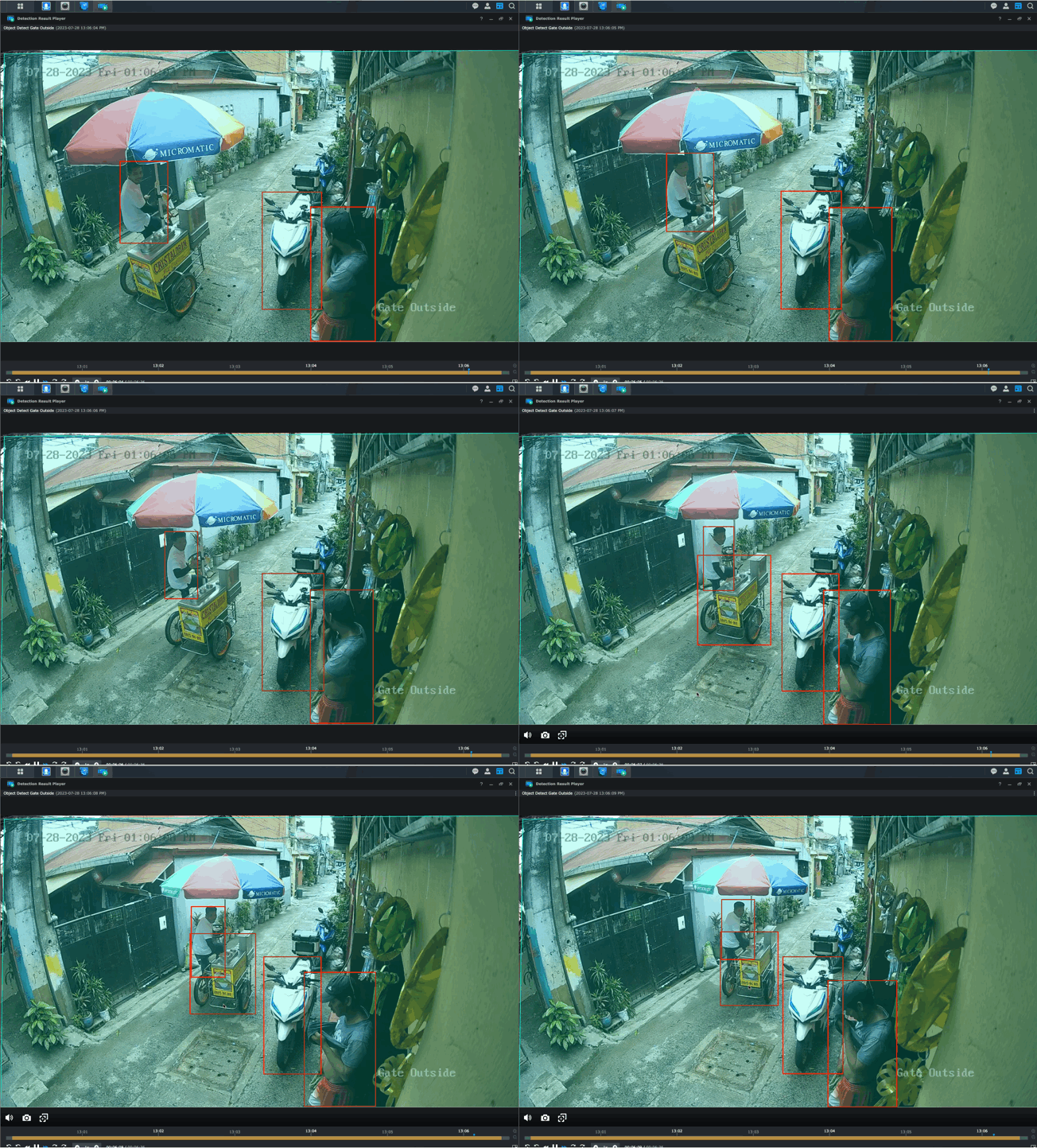
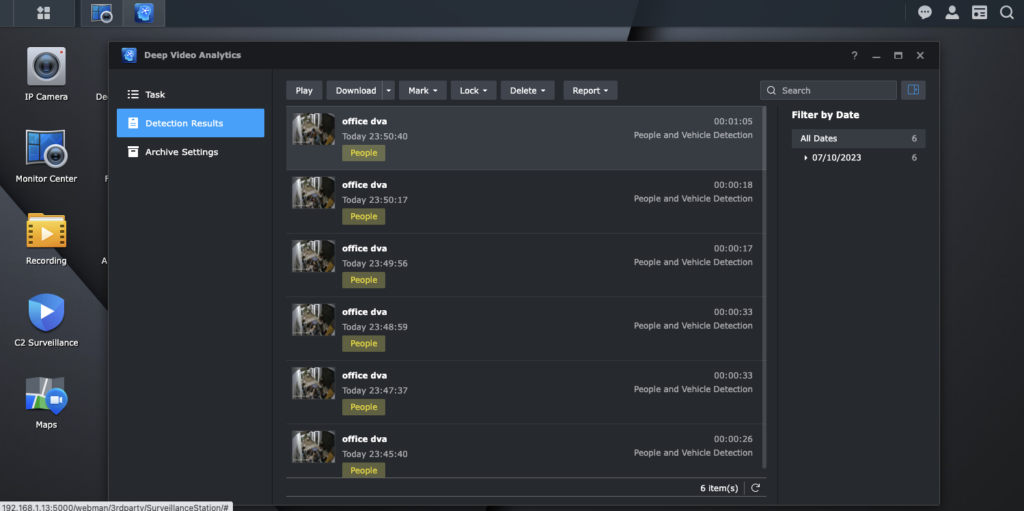
What’s more is they added features that can detect objects (e.g. plate number, people, vehicles). With this info, you can filter by time and date and/or people and/or plate numbers.

Backup Power

To make it more enterprise-y, it has to be somehow resilient to power interruption. Since the camera are powered over ethernet, I only have to have a backup power for the PoE switch.

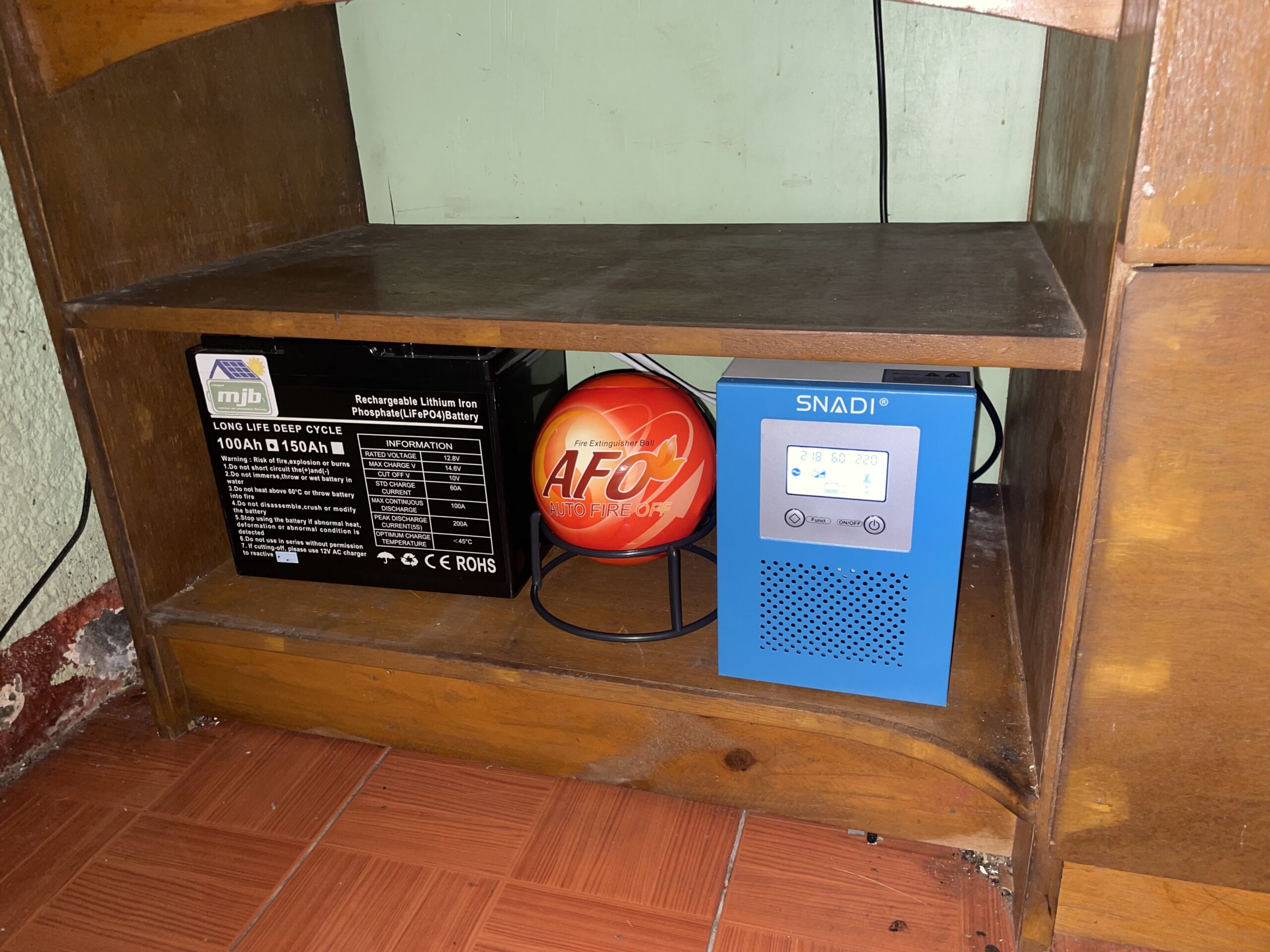
I used SNADI 1kw with a 12V 100Ah LifePO4 battery. Based on my computation, it should run around 6 hours without power from Meralco.

This was a fun project. I get a lot of satisfaction finding uses for old hardware. This project is definitely one of those.

Wyze Cam Experiments

July 24, 2023/CCTV/#cctv

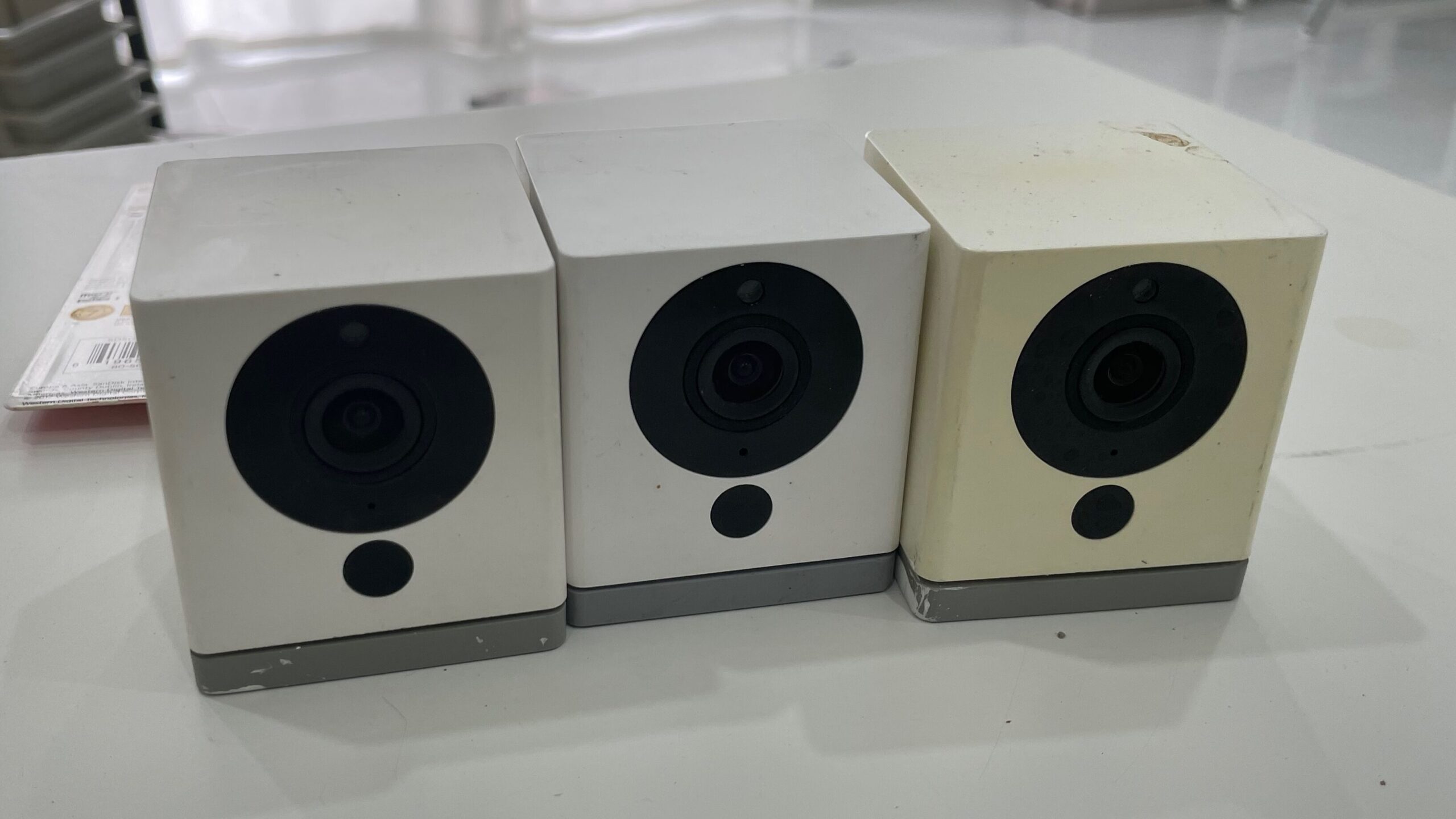
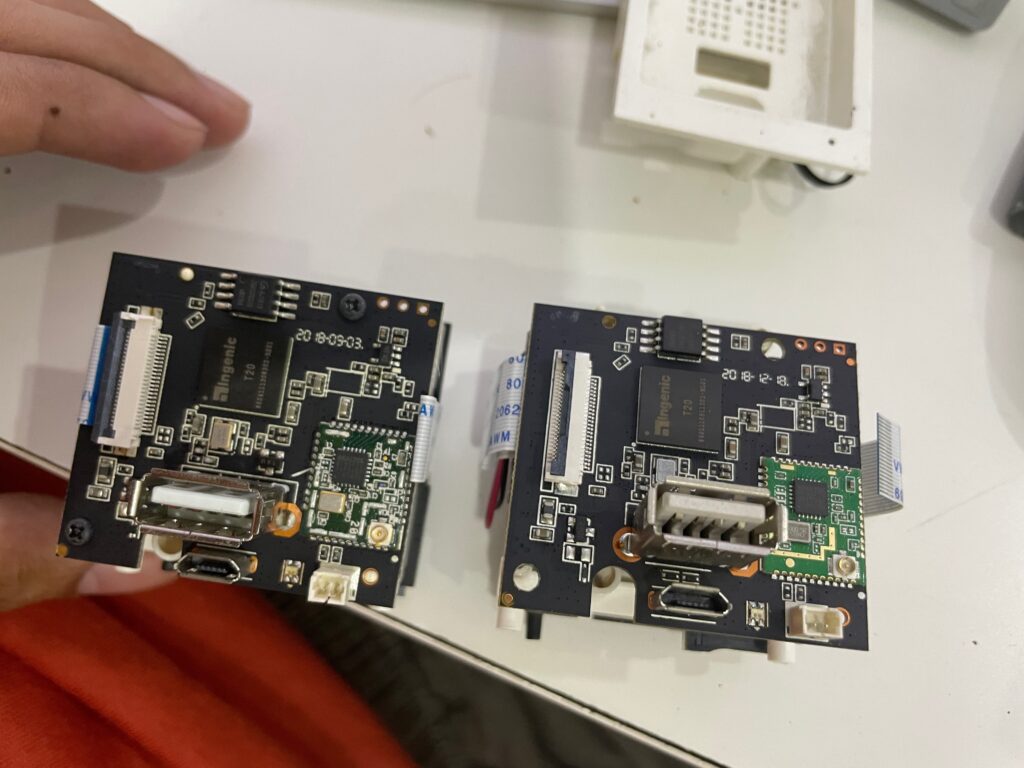
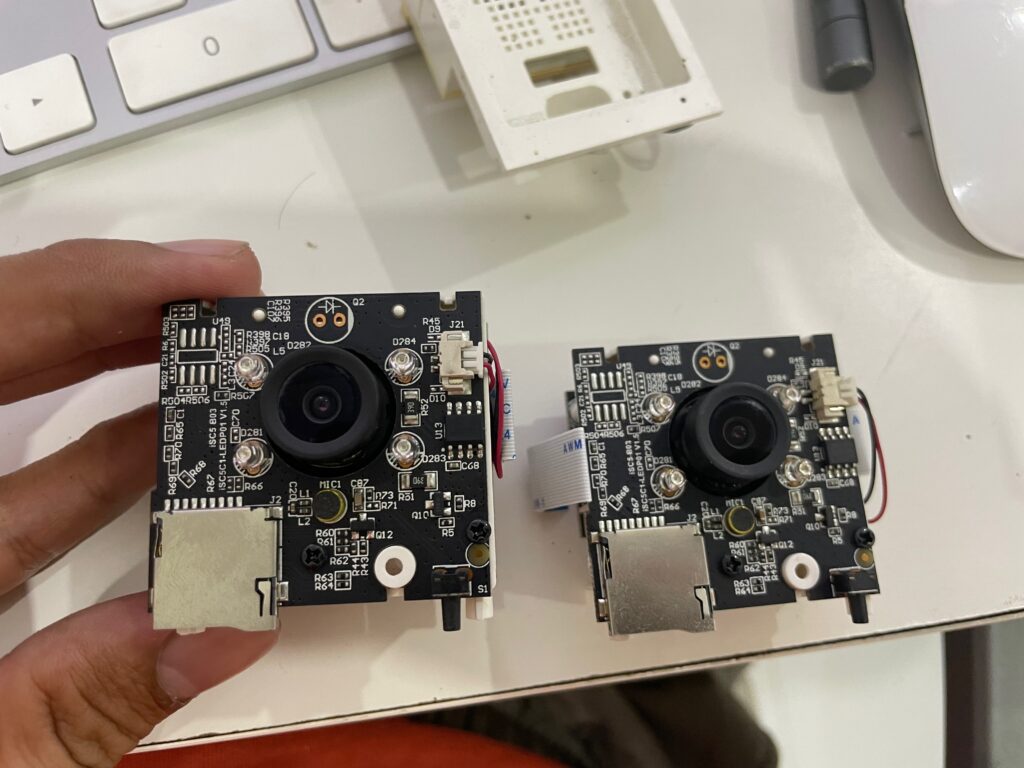
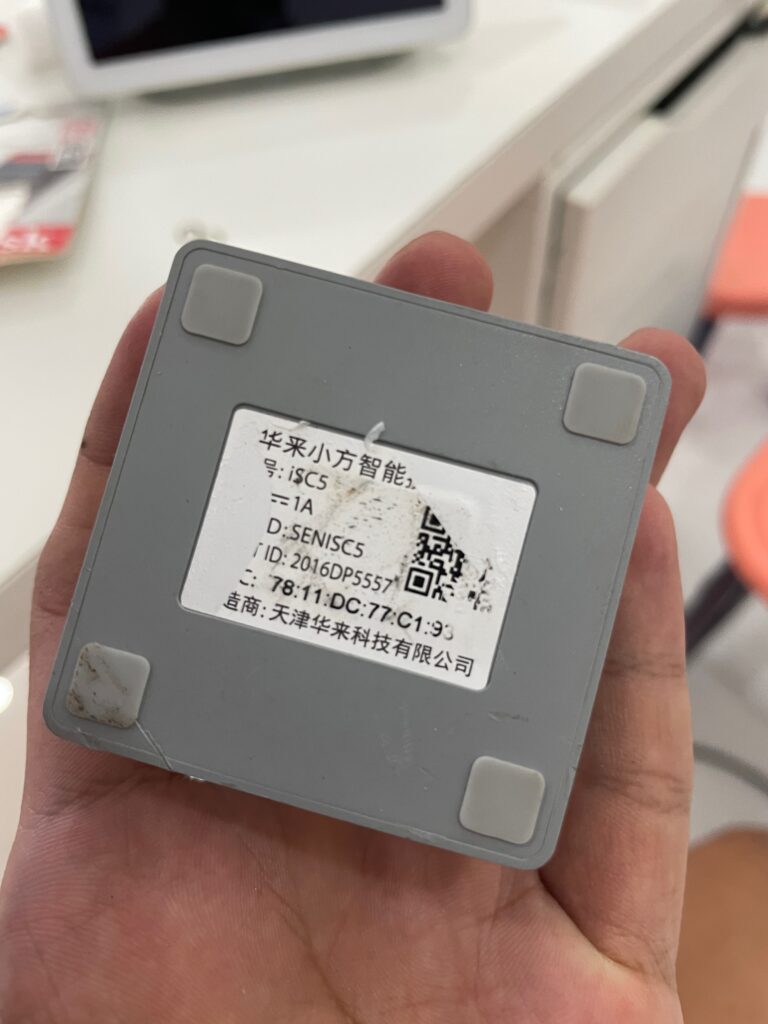
For the past couple of days I’ve been experimenting with Wyze Cam v2 and Xiaomi Xiaofang 1s. It’s an identical product that has Ingenic T20 as SoC.

It’s a camera we used 3-4 years ago but stopped using because of general unreliability (microSD regularly burning out, occasional disconnection).

I really did not have any goal other than leisurely tinker around. It has a couple of custom firmware/firmware modification projects actively being developed I want to try first hand.

Hunch: WiFi is the cause of unreliability

I think the primary issue I had when I was using this was consistent disconnection that required a power cycle. Unreliability for a device that’s meant as a “security” camera made it undesirable.

My hunch is it’s because of the WiFi connection. It has a RTL8189 WiFi chip that’s using 2.4 Ghz only, which likely already noisy. Video data stream is high-bandwidth already running 24/7.

I had the idea of trying not using WiFi altogether.

There are a couple of ways to do it:

As a Webcam

Wyze has a webcam-only firmware which surprisingly works on both Wyze Cam v2 and Xiaomi Xiaofang 1S.

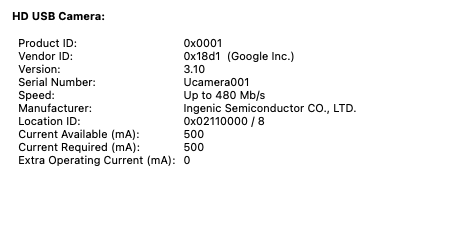
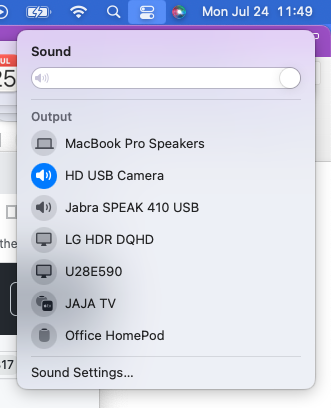
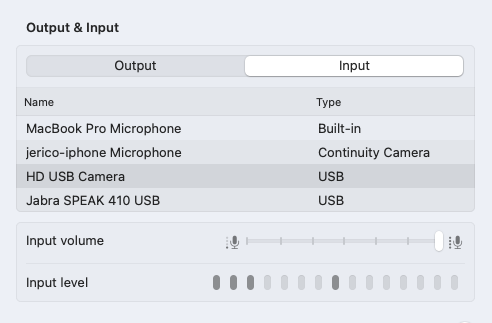
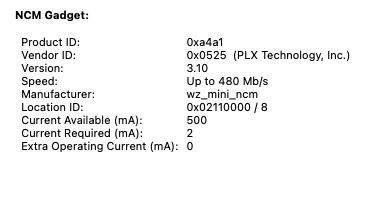
It shows up as a USB Video Class (Webcam), Mic, and Speaker.

The speaker does not sound good, but it works.

Doing it this way would require a PC to host the webcams, make the video stream available in the network via RTSP. Possibly using v4l2rtspserver or go2rtc.

Benefit is it removes the network and data processing off the camera, but it will be limited by USB cable length.

Problem: USB cable length

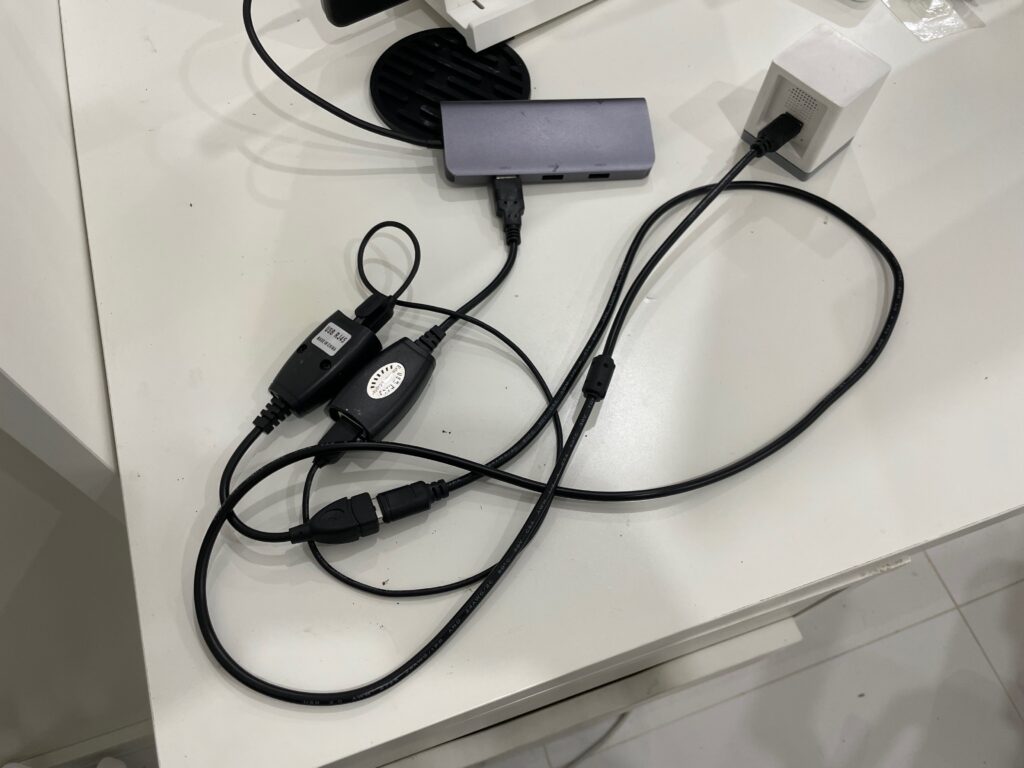
RJ45 extension does not work

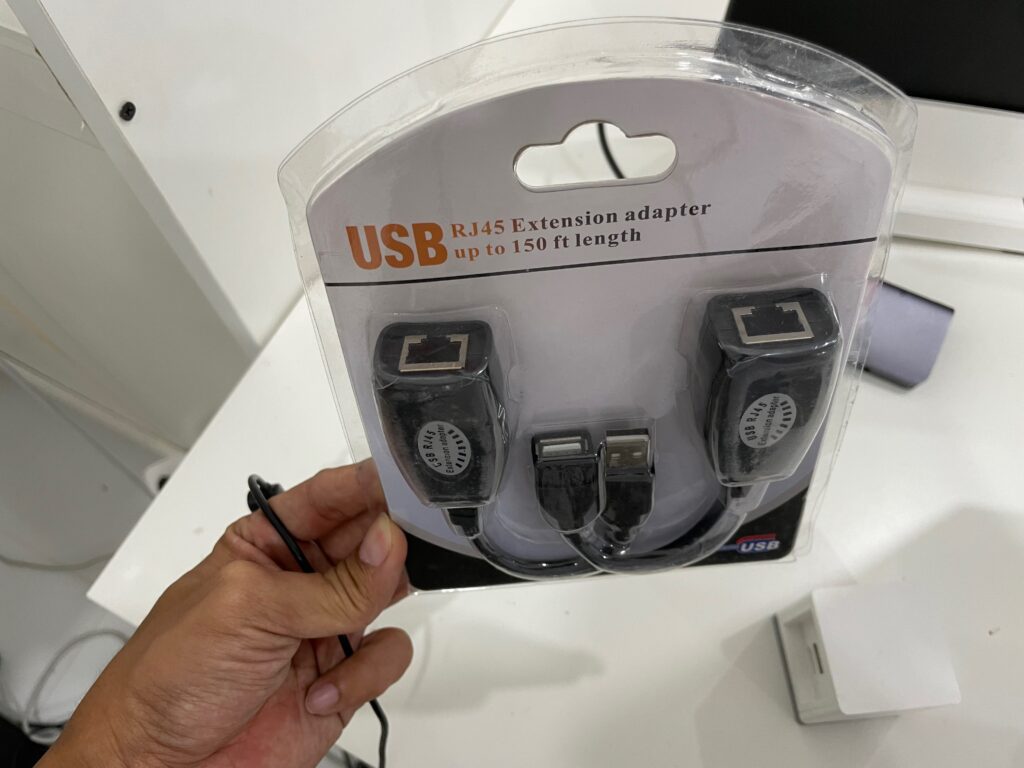
I checked if there’s a USB to RJ45 to USB. RJ45 is very easy to extend and terminate. And there is:

Link: https://s.lazada.com.ph/s.7ZW19
Price: Php 138.00

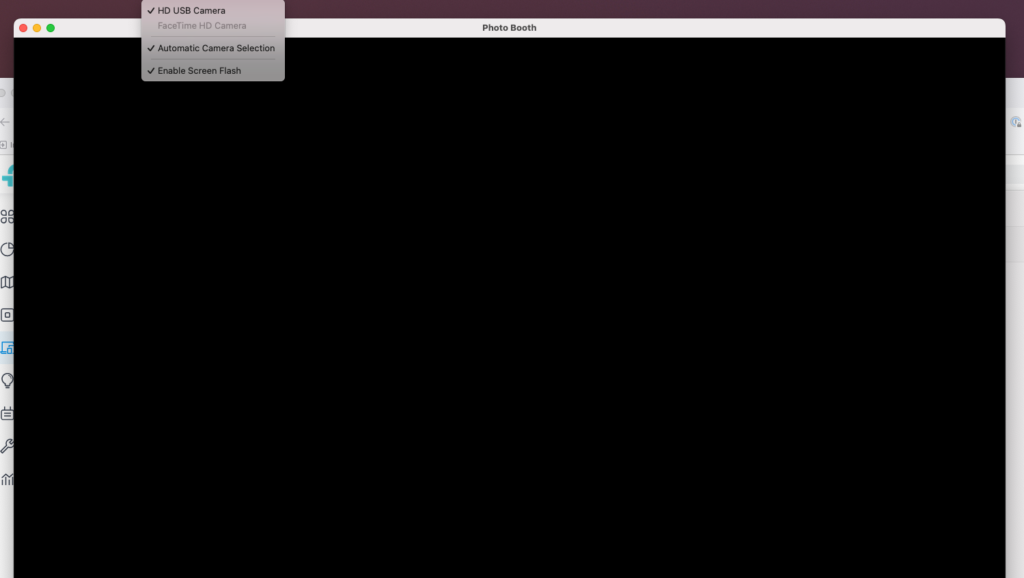
Even with 0.5m CAT6a cable, the video signal does not work. The device shows up in the device list but the video is just black. I think it has to do with data integrity not being retained after passing through CAT6 cable.

To verify that it was not a defective adaptor, I tried a USB mouse which worked.

10 meter USB-A to USB-A worked

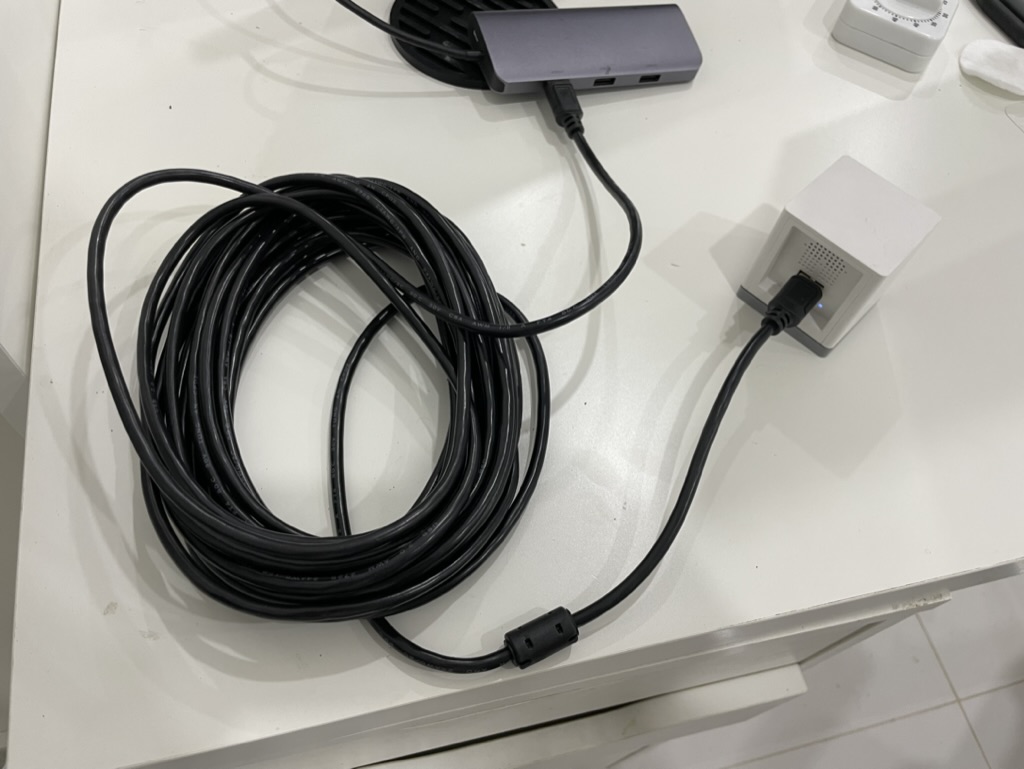
The longest USB-A to USB-A cable I found is 10 meters. It worked without issue.

Link: https://s.lazada.com.ph/s.7ZWZQ
Price: Php 139.00

Problem: USB root hub cannot support more than 3 cameras at the same time due to bandwidth constraint

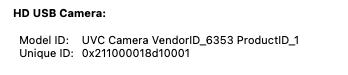
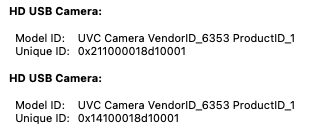
I tried plugging in 2 camera and my Mac supported running it at the same time. Both seem to have a different Unique ID.

Reference: https://www.any-maze.com/support/guides/connecting-multiple-usb-cameras-to-a-computer/ As a rule of thumb, you can only connect three USB cameras to a single USB controller.

Video4Linux

Supported format includes H264, meaning no encoding needed. This might also mean that the camera will need less bandwidth because the stream is already compressed.

# v4l2-ctl -d /dev/video0 --list-formats-ext
ioctl: VIDIOC_ENUM_FMT Type: Video Capture
[0]: 'MJPG' (Motion-JPEG, compressed)
  Size: Discrete 640x360
    Interval: Discrete 0.033s (30.000 fps)
  Size: Discrete 1280x720
    Interval: Discrete 0.033s (30.000 fps)
  Size: Discrete 1920x1080
    Interval: Discrete 0.033s (30.000 fps)
[1]: 'YUYV' (YUYV 4:2:2)
  Size: Discrete 640x360
    Interval: Discrete 0.033s (30.000 fps)
  Size: Discrete 1280x720
    Interval: Discrete 0.200s (5.000 fps)
  Size: Discrete 1920x1080
    Interval: Discrete 0.200s (5.000 fps)
[2]: 'H264' (H.264, compressed)
  Size: Discrete 640x360
    Interval: Discrete 0.033s (30.000 fps)
  Size: Discrete 1280x720
    Interval: Discrete 0.033s (30.000 fps)
  Size: Discrete 1920x1080
    Interval: Discrete 0.033s (30.000 fps)

Useful link on debugging UVC on Linux: https://gist.github.com/lucasw/85dc92c9f5146e9d5175a33b49ef4a90

USB Direct

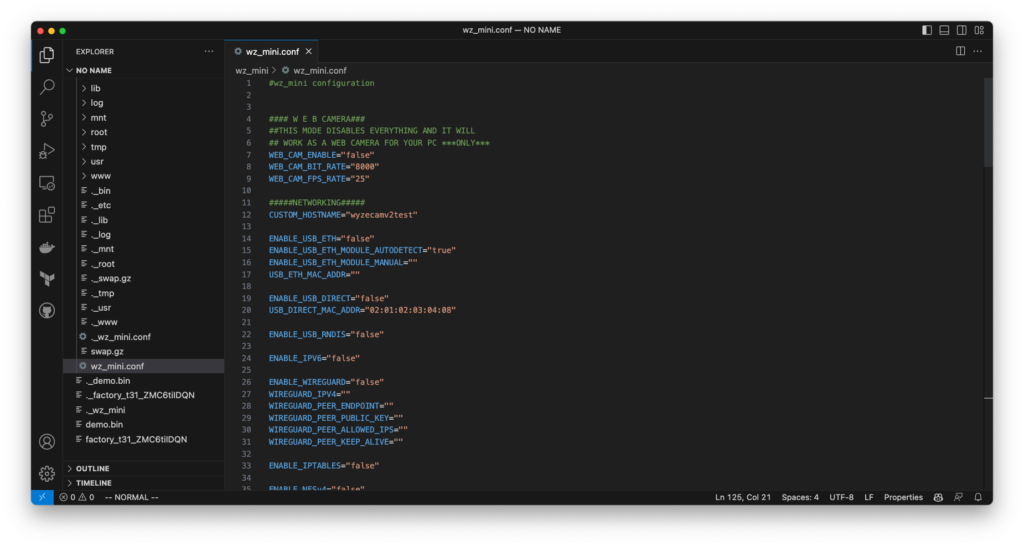
This method makes the camera show up as a network device. Processing will still be in camera. It can be configured like connected to a network.

I have not tried this yet though as I could not wrap my head around the network settings needed.

Link: https://github.com/gtxaspec/wz_mini_hacks/blob/master/documentation/usb-direct.md

USB to Ethernet Adaptor

I have not tried this yet but it requires a USB to Ethernet Adaptor and a separate way to power up the device.

Firmwares

wz_mini_hacks

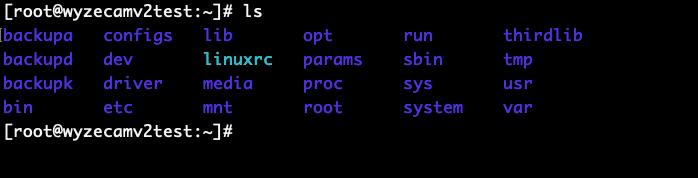
Root access

Building firmware for v2

Firmware for Wyze Cam v2 is not made available for download. There’s a script that unpacks the firmware and replace the kernel, then repacks it.

The automated part to download the firmware is not working anymore because Wyze removed older firmwares. It only supports v2 4.9.8.1002 and pan v1 4.10.8.1002. It could theoretically support other version if the offset where to write the modified kernel is set. I did not dig deeper how to do this.

openmiko

Implements it’s own code to expose Ingenic T20 video streams. Supports 1080p by default. Only works with Wyze Cam v2.

Link: https://github.com/openmiko/openmiko

Xiaom-Dafang-Hacks

Compatible with both Wyze Cam v2 and Xiaomi Xiaofang 1S.

Link: https://github.com/EliasKotlyar/Xiaomi-Dafang-Hacks

docker-wyze-bridge

Not really a firmware but a bridge to expose native Wyze streams as RTSP.

Not reliable.

Link: https://github.com/mrlt8/docker-wyze-bridge

Firmware mix-and-match

Since both cameras are the same hardware-wise, I tried mix and matching:

FirmwareWyze Cam v2Xiaomi Xiaofang 1S
Wyze Webcam FirmwareYesYes
OpenMikoYesNo
Xiaomi-Dafang-HacksYesYes
wz_mini_hacksYesNo
Official Wyze FirmwareYesNo

Hardware Mods

Since I have a lot of these cameras, something will inevitably fail.

Interchangeable Camera Module

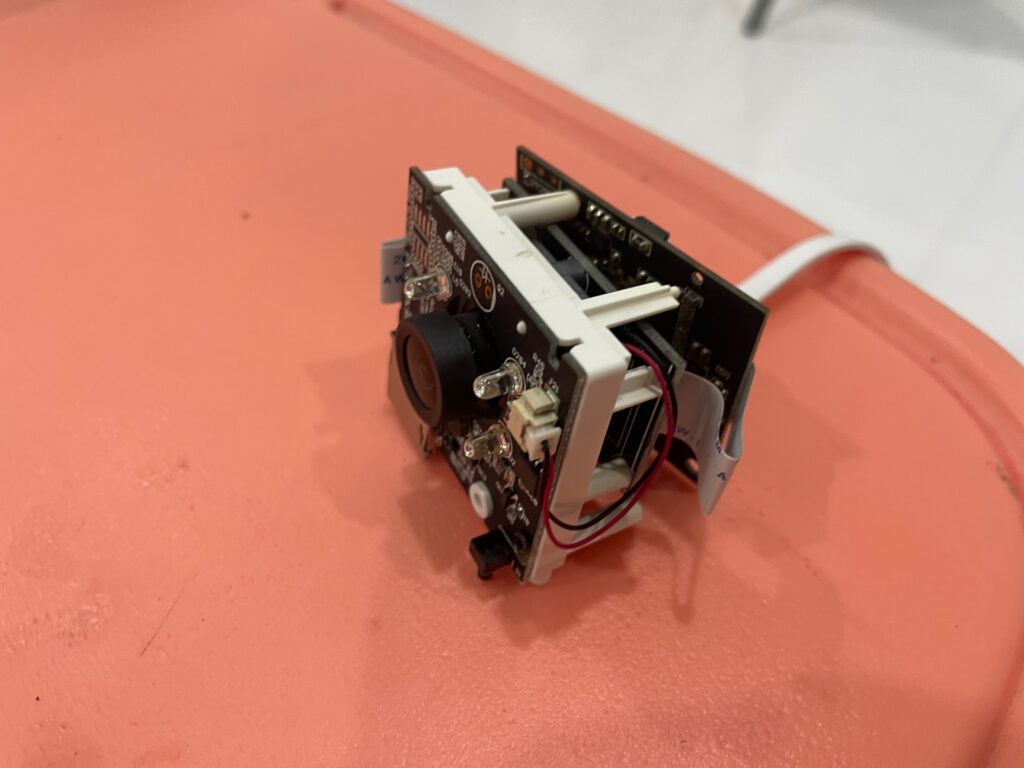
I have a Wyze cam v2 that has a blurry sensor. I tried replacing the whole camera module from a Xiaomi Xiaofang 1S. It worked.

https://leo.leung.xyz/wiki/Wyze_Cam

Xpenology NVR - DVA3219 + GTX 1060 Works

July 13, 2023/CCTV/#xpenology

I continued with my Xpenology Experiments when I remember that there was an NVR that’s using an older version of Nvidia GPU: DVA3219. It’s officially paired with GTX 1050Ti which is the same generation of the GPU I have in hand.

I checked if any of the bootloaders have support with DVA3219 platform, arpl-i18n does under experimental platforms.

I quickly tried it up again. The installation had no issues. It detected the GPU just like with DVA3221. But I’m still not sure if any AI tasks will work.

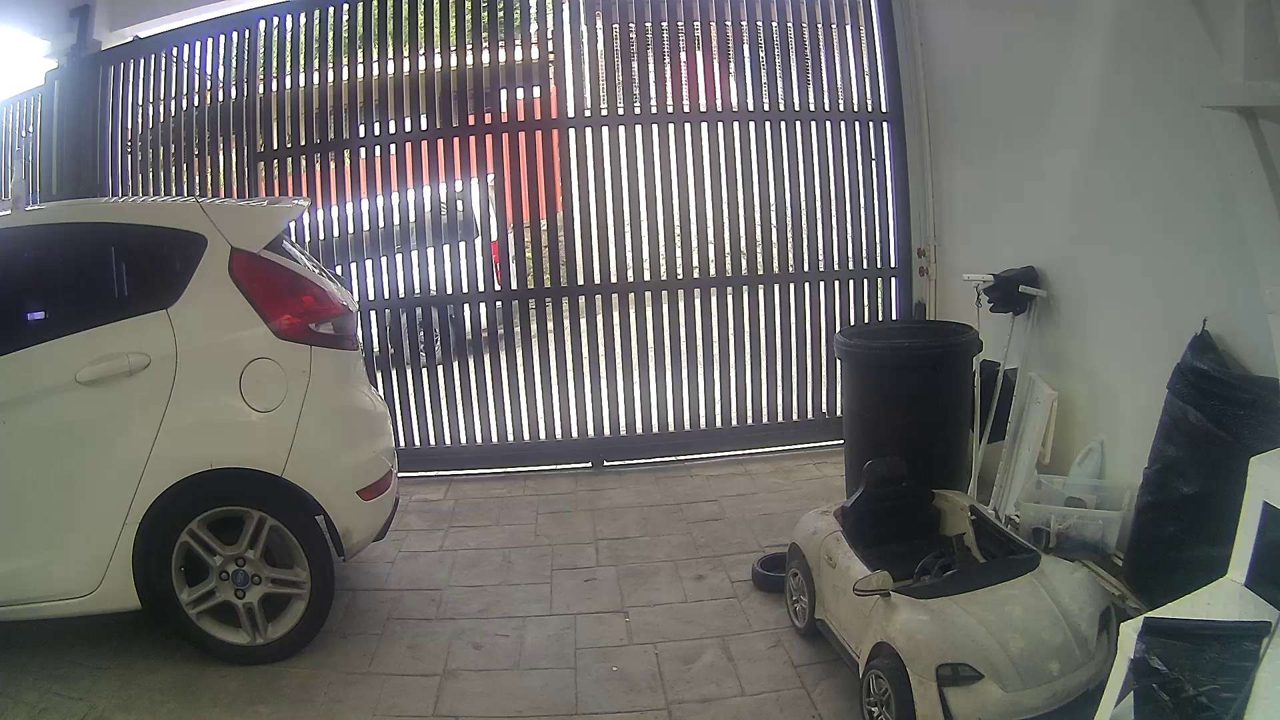
I installed Surveillance Station, added 1 IP camera and setup AI tasks.

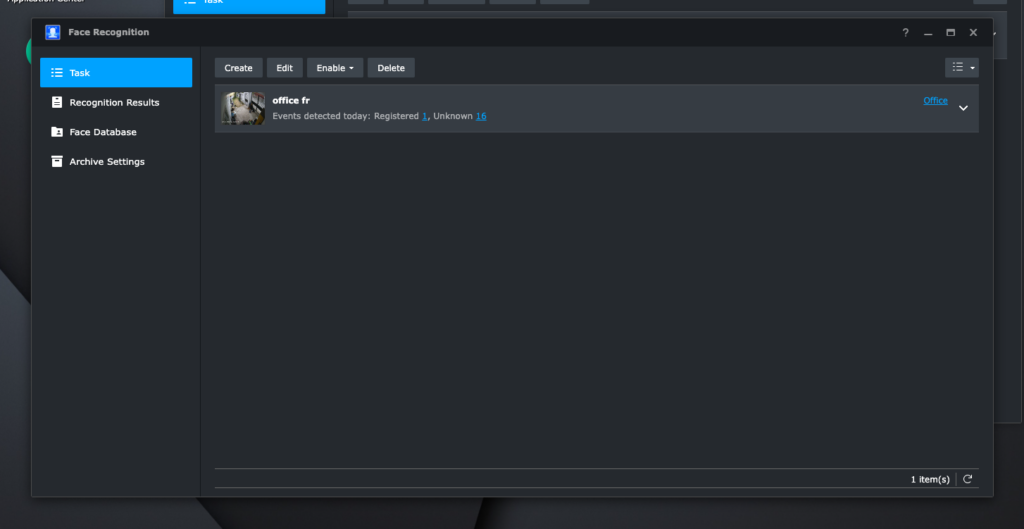
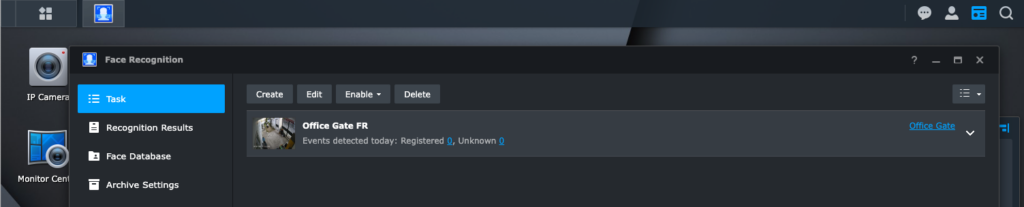
Facial Recognition works!

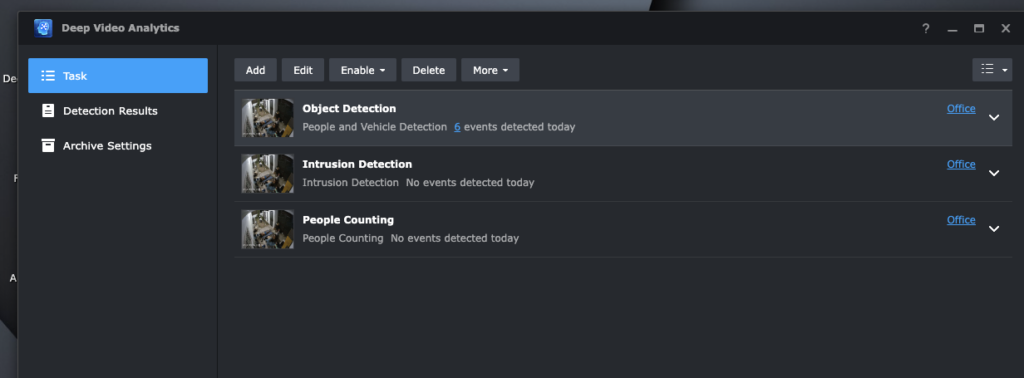
Object Detection works!

Intrusion Detection and People Counting did not work though.

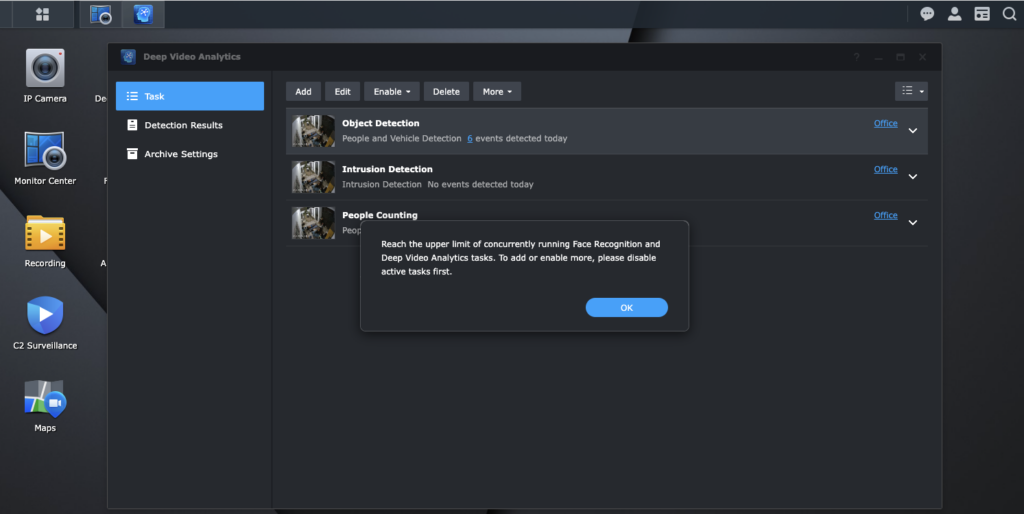
Another interesting thing is I can run up to 3 AI tasks at the same time. Having AI tasks enabled directly reflects in GPU utilization.

Power Consumption

No AI tasks~50w
Facial Recognition Only~100w
Object Detection Only~80w
Facial Recognition + Object Detection~100w

Running this machine 24/7 would roughly translates to around 700 pesos per month (@ 10 pesos/kw)

Where to use: CRYSTALDIN-NAS

It’s fun that I found a use for this GPU. I got it for free but I really have no use for it.

I have a server running at CRYSTALDRIN that has a free x16 PCIe port. It’s running Proxmox. I can set up a virtual DVA3219 with GPU Passthrough and have this up and running.

I still have reservation with the monthly cost. An alternative is to use a Intel-based GPU which would only use around 20w (80% less, around 144 pesos per month).

Let’s see!

Xpenology NVR Experiments

July 8, 2023/CCTV/#xpenology

This all started when I was looking if there’s a new way to “trick” DSM’s Surveillance Station to increase camera limit.

I stumbled a post to just use an DVA1622 (NVR-specific NAS) and I’ll automatically get 8 licenses without resorting to use an old Surveillance Station apk.

When I checked Xpenology forum, I saw there’s an active development to run DVA1622 loader.

I’ve read through the thread to get a sense on compatibility. I tried tinycore-redpill first because it’s what I’ve used a couple of years back.

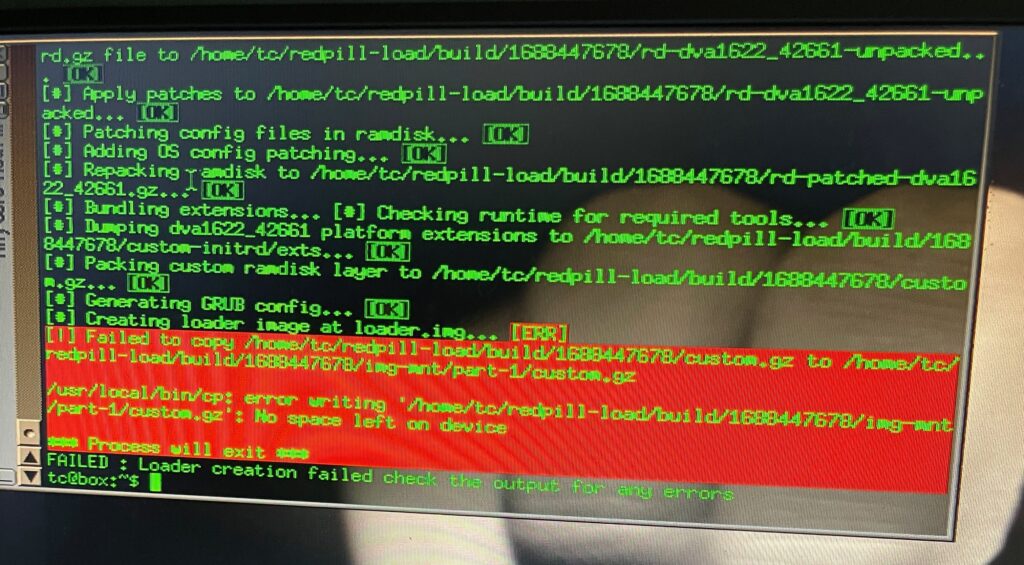
I could not finish the setup process though because of “out of storage” error when building the boot loader. I saw there was an effort to make the bootloader more streamlined. Literally just a set of menus to select what you want to happen and it will do everything for you. I used ARPL for my second attempt.

Easy mode: ARPL

I created a boot disk with ARPL. This is my first time using ARPL. I’m used to type ./rploader.sh commands from tinycore-redpill. The experience with ARPL was just delightful. No messing around with different commands.

After selecting “Boot loader”, it just works.

It felt super exciting making this work. I remember my college days when we could not afford a Macbook, and being able boot MacOS on my Compaq laptop, and actually do work on it. It felt amazing.

DVA1622 and Intel GPU

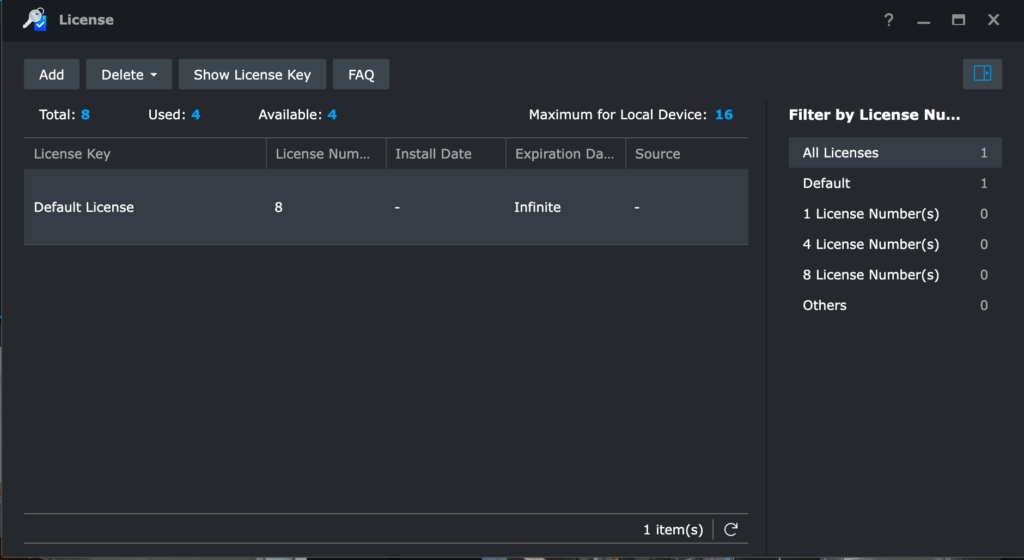
I chose DVA1622 as my platform to have the 8 camera license built-in. However, once done with the initial setup, the license was 0.

It turns out the issue is wrong serial number pattern. ARPL I used was not updated to generate the correct serial pattern. I rebooted to ARPL again, updated the serial number and it worked.

AI tasks

The next thing I wanted to try if it will work are AI tasks. DVA1622 has a new feature that can do Facial Recognition and Video Analytics (intrusion detection, read license plates, etc). It uses the Intel iGPU.

It’s supposed to be for Intel HD Graphics 630. The machine I’m testing it on only has Intel HD Graphics 520, but it uses the same i915.ko driver.

It worked!

DVA3221 and Nvidia GTX 1060 3gb

DVA3221 is a hardware that has an Intel Atom CPU and GTX 1650 GPU. It allows more up to 12 AI tasks (Facial Recognition and Video Analytics).

I do not have GTX 1650, but I have a GTX 1060 lying around. I was curious if it will work because technically Synology uses the same Linux drivers for Nvidia as everybody else.

Test server with Intel G4560 and Nvidia GTX 1060 3gb

The installation was straightforward. Super surprised and excited that GTX 1060 showed up in control panel.

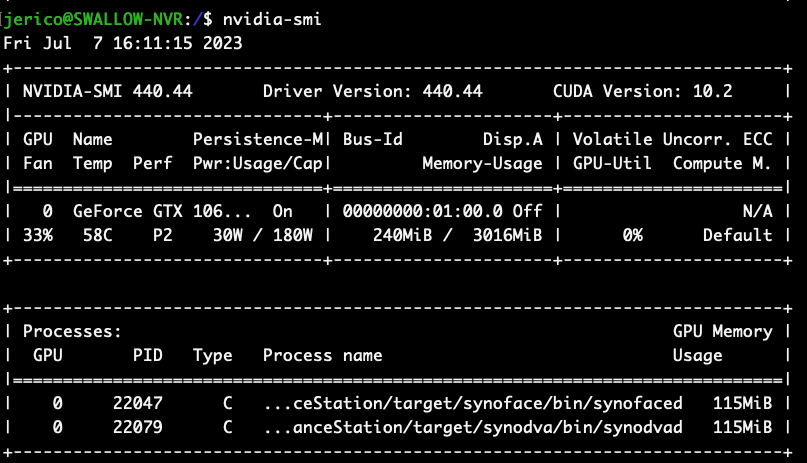
I setup Facial Recognition and Video Analytics task. I monitored GPU processes using nvidia-smi. I can see synofaced and synodvad processing. After a couple of tries, nothing was being detected.

Video Analytics task not working
Facial Recognition task not working

TLDR: Despite having the GPU being detected, it’s not working with AI tasks.

NVENC will work though. For packages (e.g. Plex) that has the feature to enable NVENC, it will work.

AI Tasks Compatibility

I tried AI tasks on a couple more hardware I have. Here’s what I found out:

Facial RecognitionVideo Analytics
Intel HD Graphics 630
Intel HD Graphics 520
Intel HD Graphics 4200 (from G1840)
Intel HD Graphics 610 (from G4560)
Nvidia GTX 1060 3gb